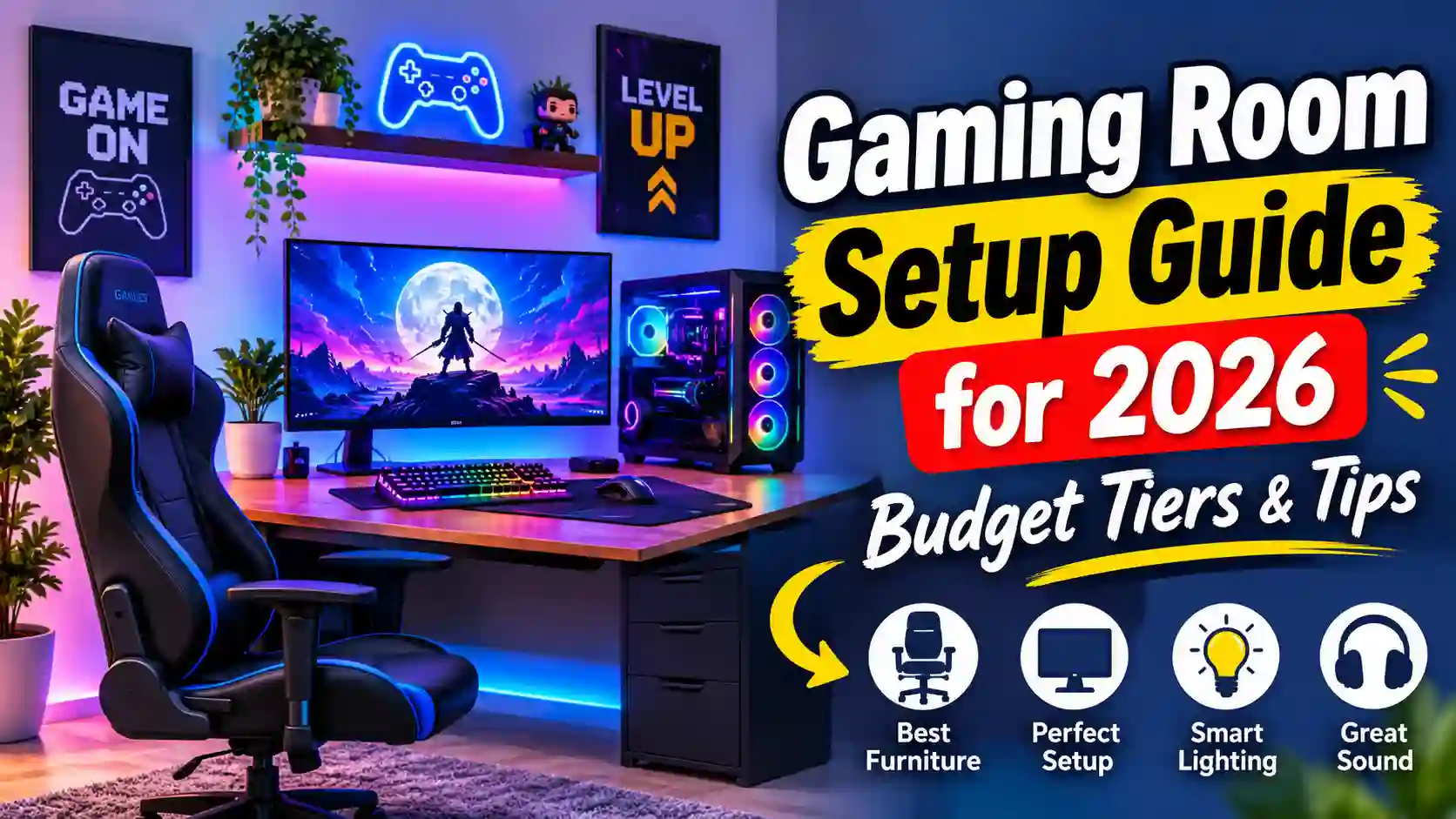
A good gaming room starts with three things: a comfortable desk and chair, a screen at the right distance, and lighting and sound you can control. Everything else, from RGB (colour-changing) lighting to wall art, is optional and can wait.
Whether you have a spare bedroom or just a corner of the living room, you can build a space that feels good to play in for hours. This gaming room setup guide walks you through the right order to buy things. It covers budget tiers, separate advice for PC and console players, and tips for small spaces.
We’ll also be honest about what’s overhyped. Plenty of gaming room ideas look great in photos but add little in daily use. By the end, you’ll know what to buy first, what to skip, and how to avoid mistakes that waste money.
What Makes a Good Gaming Room?
A good gaming room is comfortable, easy to control, and built around how you actually play. It doesn’t need to be big or expensive. It needs to work for you over long sessions.
Choose the Right Space
Start with where the room will be. A spare room gives you the most freedom, but a bedroom corner or a section of the living room can work just as well.
Think about three things before you buy anything:
- Light: Strong daylight on your screen causes glare. Pick a spot you can darken with curtains or blinds.
- Noise: Gaming can be loud, and so can the people around you. A room with a door helps both ways.
- Foot traffic: A desk in a busy walkway means constant interruptions.
Plan Power, Cables and Airflow
Count your devices before you set up. A PC, monitor, speakers, a console and a lamp all need sockets.
Use a surge protector (a power strip that guards against voltage spikes) rather than daisy-chaining cheap extension cords. Check the manufacturer’s rating on any strip you buy, and ask an electrician if you’re unsure about your home’s wiring.
Heat is easy to forget. PCs and consoles give off warmth, so don’t push them into a closed cabinet or tight corner. Leave space around the vents.
PC vs Console: How the Setup Differs
The platform you play on changes what the room needs.
PC gaming room ideas centre on a desk. You sit close to a monitor, use a keyboard and mouse, and need room for the tower (the main PC case) or a laptop. Desk depth and chair quality matter most here.
Console setups usually centre on a TV and a couch or chair. Seating distance and sound matter more than desk space.
Many people use both, and that’s fine. Just decide which one comes first, because it decides your biggest purchase.
The Core Gear Checklist
Buy in this order:
- Desk or seating: comfort first
- Chair (if you play at a desk)
- Screen: monitor or TV
- Audio: headset or speakers
- Lighting: ambient first, decorative later
One honest warning: a pricey setup won’t fix a bad chair or a glary screen. Fix those before you spend on anything decorative.
Gaming Room Tips for Beginners
If you’re new to building a gaming room setup, don’t try to buy everything at once. Work through these four steps in order. Each one fixes a problem that gets harder to ignore the longer you play.
Step 1: Desk and Chair First
Your body feels the desk and chair more than any other part of the room, so start there.
For the desk, make sure it’s deep enough to hold your screen at a comfortable distance and wide enough for your keyboard and mouse. If you plan to use two monitors later, leave room for them now.
For the chair, look for ergonomic support, meaning a design that supports your back and keeps your posture natural. Your feet should rest flat on the floor, and your elbows should sit at roughly desk height.
One honest note: “gaming chairs” are often sold on looks. A good office chair can be just as comfortable, and sometimes more supportive. Try before you buy if you can.
Step 2: Position the Monitor or TV
Place your screen so the top edge sits around eye level. Looking up or down for hours strains your neck.
For distance, a common starting point is about an arm’s length for a monitor. Console players on a TV usually sit further back. Adjust until text is readable and your eyes feel relaxed. Also check for glare. If a window or lamp reflects on the screen, move the desk or add a curtain.
Step 3: Fix the Lighting
Fix your lighting before you buy RGB strips. A soft lamp behind or beside the screen reduces eye strain in a dark room. This is often called bias lighting, meaning a gentle light placed behind the display.
Blackout curtains also help if you play during the day. Once the basics are right, add colour lighting if you like the look.
Step 4: Sort Out Sound
You have two main options: a headset or speakers. Headsets keep noise in and are good for shared homes. Speakers sound fuller but can disturb others.
Basic noise control, like a rug or heavy curtains, can soften echo without a big spend.
Budget Tiers at a Glance
You can build a budget gaming room and upgrade over time. Here’s a simple way to think about it:
| Tier | Focus | What to buy |
| Starter | Comfort and basics | A solid desk, supportive chair, one screen, simple lamp |
| Mid-range | Better control | Larger or better monitor, quality headset, bias lighting, cable tidy-up |
| Enthusiast | Atmosphere and extras | Acoustic panels, multi-screen or projector, smart lighting |
The biggest trap is spending on the top tier’s decoration while the starter tier’s comfort is still missing.
Advanced Gaming Room Upgrades
Once the basics are comfortable, these upgrades can make your gaming room better to use. None of them are required, and some only make sense for certain players. Pick the ones that solve a problem you actually have.
Acoustic Treatment and Soundproofing
People often mix these two up, so it helps to separate them.
Acoustic treatment means soft panels, rugs and heavy curtains that reduce echo inside the room. Your game audio and voice chat sound clearer.
Soundproofing means blocking sound from leaving the room, and it’s much harder. It usually involves sealing door gaps, adding a heavier door, or building extra wall layers.
If you want a soundproof gaming room, be realistic. Foam panels on the wall improve echo but won’t stop your neighbours from hearing explosions. A door seal and a thick rug are more practical first steps.
Smart Lighting and Scene Control
Smart bulbs and light strips let you change colour and brightness from your phone or voice assistant. You can set a bright “work” scene and a dim “play” scene with one tap.
Some systems can sync colours with what’s on your screen. It looks impressive, but it’s a nice-to-have, not a performance upgrade. Check that any product works with your PC or console and home network before buying, since app support varies by brand.
Multi-Monitor and Projector Setups
Multiple monitors suit PC players who also work, stream or keep chat and guides open beside the game. A second screen is useful, but a third often adds more clutter than value.
Projectors give a big, cinematic picture for console gaming, which suits couch play. The downsides are real: you need a dark room, enough wall space, and often separate speakers. Some models also add a small delay between your button press and the image, called input lag, so check reviews for gaming-specific testing.
Among the PC gaming room ideas that get overbuilt, giant multi-screen walls are the most common. Make sure your desk, graphics card and budget can handle them first.
Cable Management and Cooling
Messy cables look bad and collect dust, which hurts airflow. Use under-desk trays, Velcro ties and cable sleeves to bundle wires, and label power adapters so you can unplug the right one later.
For cooling, leave space around your PC or console vents. If the room gets hot, a fan or better ventilation helps more than any decoration.
A Stream-Ready Corner
Only add this if you plan to stream or record. A basic setup needs a webcam, a microphone and a tidy background. Mic quality matters more than camera quality for most viewers, so spend there first.
Small Gaming Room Ideas for Shared and Tight Spaces
You don’t need a spare room to build a good gaming room. A corner, a bedroom or a shared living area can work, as long as you plan around the limits. These small gaming room ideas focus on saving space and keeping the peace with the people you live with.
Making a Corner Work
Start by picking the corner with the least glare and foot traffic. Then choose furniture that does more than one job.
- Compact or corner desks fit tight spots and still hold a monitor and keyboard.
- Wall shelves keep controllers, games and accessories off the desk.
- Fold-away or wall-mounted tables let you clear the space when you’re done.
- A monitor arm (a clamp that holds the screen above the desk) frees up surface area.
One honest trade-off: a small setup means compromise. You may have to choose a smaller monitor, skip a second screen, or put the console away after each session. That’s normal, and it’s better than cramming in gear that makes the space feel cluttered.
If you share the room, agree on quiet hours and use a headset. This matters more than any piece of furniture.
Heat, Power Cuts and Local Conditions
Many guides ignore the conditions that cause real problems at home.
Heat: In a small room, a PC or console can make the space uncomfortable quickly. Keep vents clear, add a fan, and don’t block airflow with furniture. In hot climates, this matters even more.
Unstable power: If your area has voltage spikes or frequent outages, a surge protector is the minimum. A UPS (uninterruptible power supply, a battery backup that keeps devices running briefly) can protect your PC and give you time to save. Check the rating against your device’s power needs, and ask a qualified electrician if you’re unsure.
Common Gaming Room Mistakes (and Overhyped Trends)
Most gaming room regrets come from the same few errors. Here’s what to avoid, and what’s often overhyped in glossy photos of gaming room ideas.
Too Much RGB, Too Little Comfort
RGB lighting (colour-changing LEDs) looks great in photos. In daily use, bright colours can distract you, reflect off your screen and tire your eyes. Add a few lights you can dim or turn off, and put comfort ahead of colour.
Buying a “Gaming Chair” for the Look
Racing-style chairs are popular, but a stylish shape doesn’t guarantee good support. Judge any chair on adjustability, back support and how it feels after a long session, not on the branding. A plain office chair can beat a flashy one.
Ignoring Heat and Noise
PCs and consoles get warm, and fans can get loud. Blocking vents, cramming gear into a cabinet or ignoring dust will shorten comfort and sometimes the life of your hardware. Leave airflow space and clean dust from vents and filters regularly.
Spending on Decor Before Core Gear
Neon signs, posters and display shelves are fun, but they don’t improve how you play. If your desk is wobbly or your screen glares, fix that first. Decor makes more sense once the basics work.
Cable Chaos
Tangled cables collect dust, trap heat and make upgrades annoying. Spend a little time bundling and labelling them early. It’s far easier than untangling a mess later.
One More Trap: Copying a Photo Exactly
Many setups you see online are styled for cameras, with perfectly clean desks and staged lighting. Real rooms get used, and your layout should suit your space, your platform and your habits, not just copy someone else’s look.
Gaming Room FAQs
How big should a gaming room be?
It depends on your setup. A PC gamer needs enough space for a desk, chair and some movement. A console player needs room for seating at a comfortable distance from the TV. Many people play well in a corner, so measure your gear and seating first instead of chasing a “perfect” size.
How do I set up a gaming room on a budget?
Buy in order of comfort: desk, chair, screen, then audio and lighting. Skip decor until the basics work, and add upgrades over time. A budget gaming room can start small and still feel good. [Add a realistic starter budget with currency and date after verifying prices.]
What do I need for a PC gaming room vs a console one?
A PC setup centres on a desk, monitor, keyboard and mouse. A console setup centres on a TV and comfortable seating, plus a controller. Both need good lighting, sound and airflow. If you play on both, choose the platform you use most and plan the room around it.
How do I soundproof a gaming room?
Be realistic about what’s possible. Heavy curtains, rugs and wall panels reduce echo inside the room, which is acoustic treatment. Blocking sound from leaving is harder, and usually starts with sealing door gaps. For a true soundproof gaming room, you may need structural changes, so a headset is often the practical fix.
How do I make a small gaming room feel bigger?
Use light colours, keep surfaces clear and mount items on the wall instead of the desk. A monitor arm, wall shelves and tidy cables all help. These small gaming room ideas work because clutter makes a space feel tighter than it is, so remove what you don’t use.
Conclusion
A great gaming room doesn’t come from the most expensive gear. It comes from buying in the right order: a comfortable desk and chair, a well-placed screen, then sound and lighting you can control. Decor and extras can wait until the basics work.
Pick the path that fits you. PC players should focus on the desk and monitor, while console players should focus on seating and the TV. If space is tight, small gaming room ideas like wall shelves and a monitor arm go a long way. Whatever your budget, avoid the common traps: too much RGB, a chair bought for looks, and ignored heat.
As you plan your gaming room in 2026, start small, check prices before you buy, and upgrade as you learn what you actually use.